General Tips
Beaver Builder Modules
We use 2 plugins for the theme. Beaver Builder(BB) and Ultimate add ons for beaver builder (UABB). The modules on UABB tend to be much more advanced and give many more options for customisation than on BB. All of the modules from both plugins are listed in the same section so you may see the same module listed twice e.g. there is more than one "Heading" module. One of these is under the basic modules and the other is under Advanced.
You should stick to using the advanced modules as they offer much more. There is, however, a couple of exceptions to the rule, one of which is the map - Use the basic map module instead of the Google map module as the google map module requires an API key.
Saving For Reuse & Duplicating
You can duplicate any row, column or module to use again one the same page and edit it. You just need to hover over the element and click duplicate.
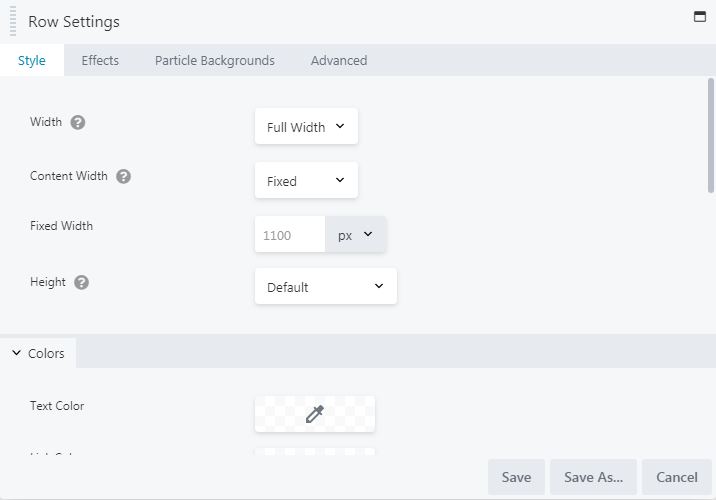
You can also save any row, column or module for re-use on other pages by clicking on "Save as" while in the settings. You also have the option to set this row, column or module to global, meaning that if you change it in one place it will change all over the site.
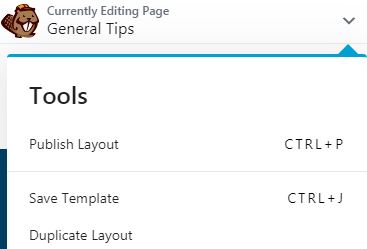
You can also save a full page as a template and load it into other pages. See image to the right